David, Founder, App Store Launch Club
Founder, App Store Launch Club

David

Founder and app builder

build prompts
69build prompts
lessons
88lessons
modules
12modules
members taught
7,000+members taught

About David

David is the founder of App Store Launch Club, a structured course and community for anyone who wants to describe an app in plain English, build it with Claude Code, and ship it to the Apple App Store and Google Play.

The club is built around the same repeatable system David uses: validating an idea before writing a screen, designing every screen with AI, building native with Claude Code and Expo, wiring a RevenueCat paywall, and shipping to both stores with one EAS pipeline - with 69 copy-paste build prompts that tell you exactly what to type at every step.

A YC alum and Forbes 30 Under 30 who has been coding since age 13 and built Claude Code Club from zero to 7,000+ members, David teaches the build-and-ship method directly, grounded in real shipped apps rather than theory - so members learn the same moves he uses to go from idea to live on both stores.

Areas of expertise

What David teaches

Building native apps with Claude Code and Expo
AI-driven app design and idea validation
RevenueCat paywalls and in-app subscriptions
EAS build and submit to both app stores
Passing Apple review and Google closed testing
App Store Optimization and post-launch growth

Articles

Articles by David

A row of seven small brass rotary knobs turned progressively higher from left to right on a warm oak desk, beside a dark smartphone and a softly glowing amber desk lamp
App StoreLaunch

App Store Phased Release: How the 7-Day Rollout Works, How to Pause It, and When to Skip It

App Store phased release rolls a version update out to a random sample of users with automatic updates on over 7 days: 1 percent on day one, then 2, 5, 10, 20, 50 and 100. You can pause it for up to 30 days in total, or release to everyone with one button. Here is exactly what Apple says it does, what it does not do, and how I decide when an Expo app update should use it.

Oct 2, 2026 8 min
Read article
A paper desk calendar with one date circled in red pencil on a warm oak desk, beside a dark smartphone, a small brass desk bell and two blank paper ticket stubs in late afternoon light
ASOApp Store

App Store In-App Events: How to Set One Up for Your Expo App (and When It Is Worth It)

App Store in-app events are event cards Apple shows on your product page, in search results and in its editorial tabs to promote a timely moment inside your app, such as a challenge, a competition or a major update. An event can run for up to 31 days, be promoted up to 14 days early, and be submitted for review without a new app version. Here is what Apple allows, what gets an event rejected, how to wire the deep link in an Expo app, and the Real Moment Test I use before creating one.

Sep 30, 2026 10 min
Read article
Two dark smartphones side by side on a pale concrete desk, one screen glowing teal and the other coral, with a small brass balance scale between them, loose teal and coral paper swatches and a cream mug of black coffee in bright daylight
ASOApp Store Optimization

App Store Product Page Optimization: How to A/B Test Your Screenshots and Icon

App Store product page optimization is Apple's free A/B testing tool in App Store Connect. You test up to three alternate versions of your app icon, screenshots and app previews against your original page, on real App Store traffic, for up to 90 days, and read the results in App Analytics. Here is what Apple allows, how to set a test up for an Expo app, why alternate icons need a new build, and the One-Change Rule I use so a test actually tells you something.

Sep 29, 2026 9 min
Read article
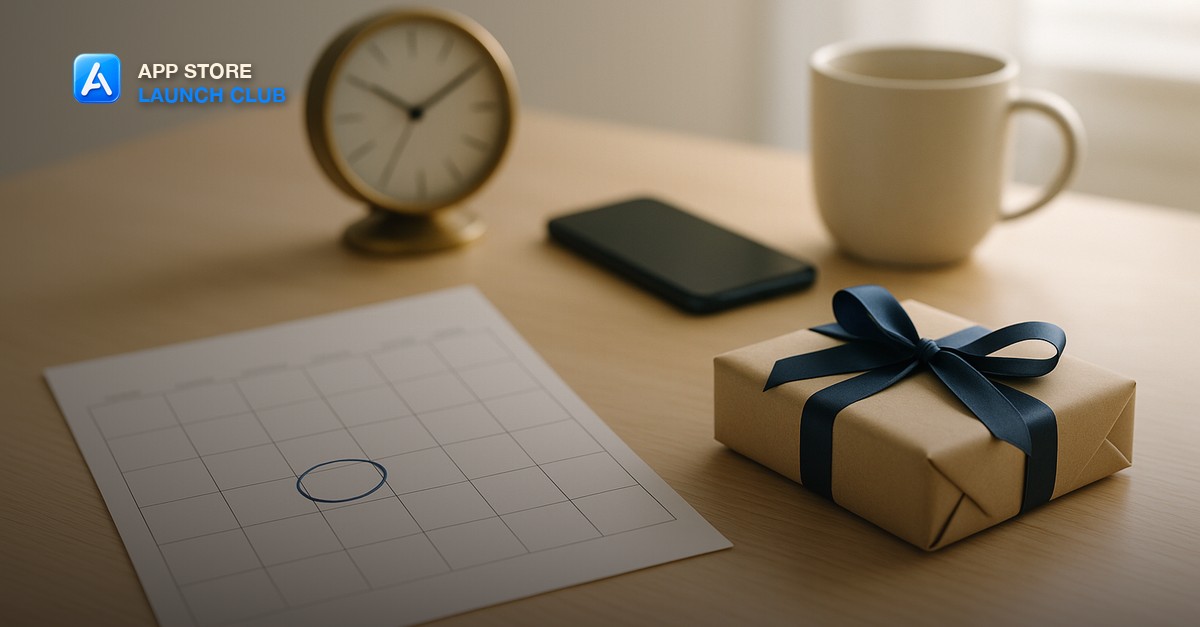
A wall calendar page with one day circled in blue ink on a pale oak desk, beside a small parcel wrapped in kraft paper with a navy ribbon, a dark smartphone face down, a brass desk clock and a cream mug in bright morning light
App StoreLaunch

App Store Pre-Order: How to Set It Up for Your First Expo App (and When It Is Worth It)

An App Store pre-order publishes your product page before your release date so people can order the app, and on launch day it downloads to their device automatically. Apple only publishes the pre-order after the build has passed App Review, the release date has to sit two to 180 days out for a brand-new app, and you have to release the version manually. Here is how to set it up in App Store Connect for an Expo app, what Apple charges and when, and the three questions I use to decide whether a pre-order is worth the wait.

Sep 28, 2026 9 min
Read article
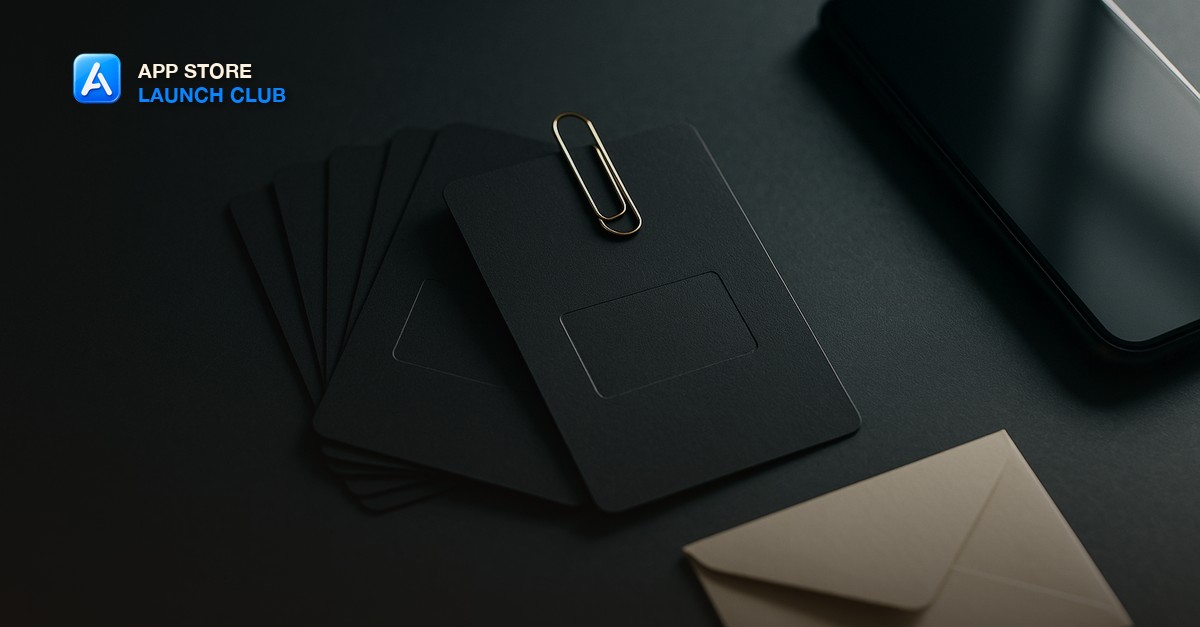
A fan of blank matte charcoal cards with a single embossed rectangle on the top card, held by a brass paperclip, beside a dark smartphone and a small cream envelope on a slate-grey desk in soft moody side light
App StoreMonetization

App Store Promo Codes vs Offer Codes: How to Give People Free Access to Your Expo App

App Store promo codes give someone a free download of your paid app. Offer codes give someone a free or discounted in-app purchase or subscription. Since March 26, 2026 Apple no longer lets you create promo codes for in-app purchases, so an Expo app with a subscription paywall hands out offer codes, and a paid-up-front app hands out promo codes. Here is what each one does, the limits Apple publishes, how to create them in App Store Connect, and how to redeem them from a RevenueCat paywall.

Sep 27, 2026 9 min
Read article
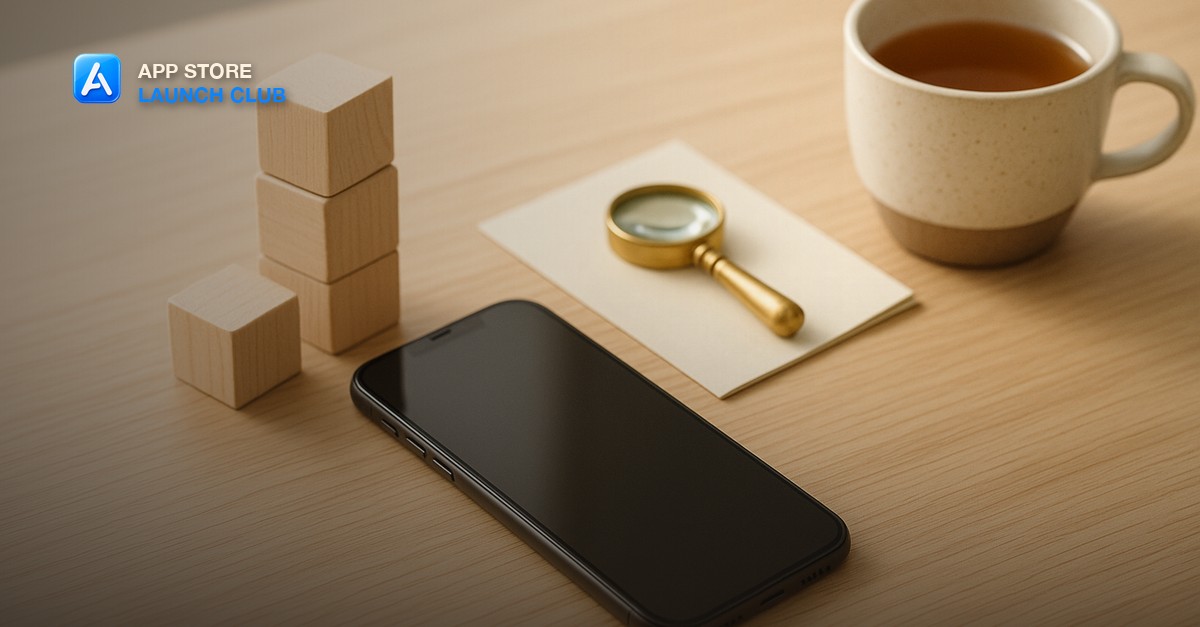
A smartphone lying face-up on a pale oak desk beside a short tower of plain wooden toy building blocks, a small brass magnifying glass resting on a folded cream index card, and a ceramic cup of tea in bright morning window light
Apple App ReviewApp Store

App Store Age Rating Questionnaire: How to Answer It Correctly (4+, 9+, 13+, 16+, 18+)

The App Store age rating questionnaire is the required set of questions in App Store Connect that decides whether your app shows as 4+, 9+, 13+, 16+ or 18+. Apple calculates the rating from your answers, and a handful of capability questions (unrestricted web access, social media, medical information) push a plain utility app up two tiers if you answer them loosely. Here is what each question means, which answers move the rating, and how to fill it in for an Expo app.

Sep 26, 2026 9 min
Read article
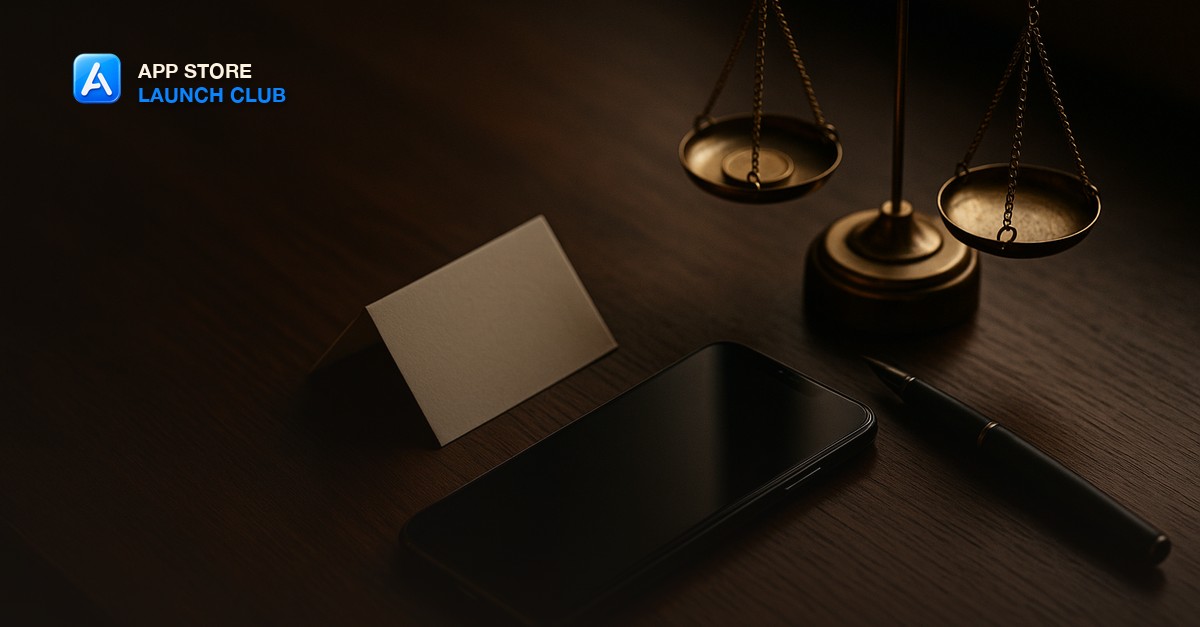
A smartphone lying face-up on a dark walnut desk beside a small brass balance scale with a single coin on one pan, a folded blank cream paper card, and a matte black fountain pen in moody warm window light
Apple App ReviewGuideline 3.1.2

Guideline 3.1.2 Rejection: How to Fix Your Subscription Paywall for App Review

A Guideline 3.1.2 rejection means App Review found your auto-renewable subscription missing something Apple requires before a user can subscribe: the full renewal price shown prominently, the subscription name and length, what the user gets, a restore path, or working Terms of Use and Privacy Policy links. Here is what each 3.1.2 clause targets and the exact paywall checklist that clears it.

Sep 25, 2026 9 min
Read article
A smartphone resting face-up on a deep green felt desk mat with faint concentric ripple rings of soft light emanating from its screen, beside a small brass tuning fork and a ceramic cup of black coffee in moody warm side light
ExpoClaude Code

How to Add Haptic Feedback to Your Expo App

How to add haptic feedback to your Expo app: install expo-haptics, then call the right method for the moment - selectionAsync for pickers, impactAsync for taps and gestures, notificationAsync for outcomes. Here is the exact mapping, the reason the simulator stays silent, and the one rule that keeps haptics from feeling cheap.

Sep 22, 2026 8 min
Read article
A smartphone lying on a slate desk beside a printed contact sheet of app screenshots, one frame circled in red wax pencil, a magnifying loupe resting on the sheet under cool overcast window light
Apple App ReviewGuideline 2.3

Guideline 2.3 Rejection: How to Fix Accurate Metadata in App Review

A Guideline 2.3 rejection means App Review decided your listing does not match your app - screenshots, name, keywords, description, or release notes. Here is what each 2.3 clause targets, why most of these are metadata-only fixes that do not need a new build, and how to sweep your listing before you resubmit.

Sep 21, 2026 9 min
Read article
A smartphone lying face-up on a dark walnut desk, its screen glowing a deep solid indigo with a single small centered emblem of light, beside a brass drafting compass and a folded charcoal cloth in low warm evening light
ExpoClaude Code

How to Add a Splash Screen to Your Expo App

How to add a splash screen to your Expo app: install expo-splash-screen, point the config plugin at a centered logo image with a background color, hold the splash with preventAutoHideAsync until your first screen is ready, then hide it. Here is the exact setup - plus the Android 12 rule and the white-flash fix most builders miss.

Sep 17, 2026 8 min
Read article
A smartphone on a pale birch desk showing a single clean sign-in button beside two small brass keys and a folded paper map in soft morning daylight, with empty space in the upper left
ExpoClaude Code

How to Add Google Sign-In to Your Expo App

How to add Google Sign-In to your Expo app: create OAuth client IDs in Google Cloud, install the auth module, trigger the sign-in flow, and exchange the token for your own session. Here is the exact flow - plus the Guideline 4.8 rule that means adding Google login forces you to add Apple login too.

Sep 16, 2026 9 min
Read article
A smartphone on a warm oak desk showing a clean dark sign-in button beside a brass key and a closed padlock in soft morning daylight, with empty space in the upper left
ExpoClaude Code

How to Add Sign in with Apple to Your Expo App

How to add Sign in with Apple to your Expo app: install expo-apple-authentication, enable the capability in app.json, render the native button, and exchange the identity token for your own session. Here is the exact flow - and the Guideline 4.8 rule that forces you to offer it whenever you use a third-party login.

Sep 15, 2026 9 min
Read article
A sleek smartphone showing two side-by-side app screens, one bright white and one deep charcoal, resting on a dark matte desk beside a small toggle switch component and warm amber desk lamp
ExpoClaude Code

How to Add Dark Mode to Your Expo App

Adding dark mode to your Expo app means detecting the system color scheme, theming every component from one central palette, and handling the edge cases that trip up first-time builders. Here is the exact setup - useColorScheme, a typed theme object, styled components, and how Claude Code wires it all in one pass.

Sep 13, 2026 9 min
Read article
A wooden desk with a clean open notebook showing handwritten app store listing copy, a mechanical keyboard, a small potted plant, and warm lamp light casting soft shadows
App StoreASO

How to Write an App Store Description That Gets Downloads

How to write an app store description: lead with your single biggest benefit in the first two lines (the only text visible before 'more'), keep paragraphs to three lines, and skip the feature list in favor of outcome sentences. Here is the exact structure, the character limits that matter, and how to use Claude Code to draft and iterate fast.

Sep 11, 2026 8 min
Read article
A phone on a wooden desk showing a clean home screen with a colorful productivity widget, natural window light
ExpoClaude Code

How to Add a Widget to Your Expo App (iOS and Android)

How to add a widget to your Expo app: widgets are native extensions that live outside your JavaScript bundle, so they need a config plugin and a small Swift or Kotlin target. Here is the exact setup for iOS WidgetKit and Android App Widgets using Expo Modules, plus how Claude Code handles the boilerplate.

Sep 10, 2026 9 min
Read article
A single rounded-square app icon tile in warm coral and cream on a dark wooden desk beside a color swatch card, a small grid ruler, and an iPhone showing a blank home screen under warm lamp light
App StoreExpo

How to Make an App Icon for the App Store (and Not Get Rejected)

How to make an app icon for the App Store: export one 1024x1024 pixel PNG with no transparency and no rounded corners, point Expo at it, and let the system round it. Here is the exact size, the format rule that rejects most first icons, the Android adaptive version, and how I get all of it done fast with Claude Code.

Sep 9, 2026 8 min
Read article
A matte black smartphone showing a blank app splash screen on a dark wooden desk beside a small brass key, a closed padlock, and a folded config note under a single warm lamp
ExpoEAS

How to Manage Environment Variables and Secrets in an Expo App

Environment variables in an Expo app split into two kinds, and treating them the same is how a secret ends up shipped inside your bundle. Here is the one distinction that decides everything, how to wire public values through app config and private ones through EAS, and the safe way to read each in a production build.

Sep 8, 2026 9 min
Read article
An overhead still life on a warm walnut desk: a silver laptop showing an upload progress bar, a phone displaying a version number badge, a small stack of printed release notes and a coffee cup, with open space on the left
ShippingExpo

How to Submit an App Update to the App Store (Step by Step)

Shipping the first version is one thing. Shipping the second, tenth and fiftieth update without breaking anything is the part nobody explains. Here is the exact update loop I run for an Expo app: bump the version, build, upload, write the release notes, submit, and roll it out with a phased release so a bad build never reaches everyone at once.

Sep 6, 2026 10 min
Read article
A matte black smartphone face-up on a dark walnut desk showing a blank stalled startup screen, a magnifying glass and a printed stack trace beside it under a single warm desk lamp
ExpoDebugging

Why Your Expo App Crashes on Launch in a Production Build (and How to Fix It)

An Expo app that runs fine in development but crashes on launch the moment it is a TestFlight or App Store build is almost never a code bug you can see. It is a difference between how the dev client and a release build load your app. Here is the short list of causes, in the order I check them, and how to read the crash log that names the real one.

Sep 4, 2026 10 min
Read article
A laptop showing a terminal running a screenshot script beside a printed sheet of framed iPhone screenshots on a desk
ScreenshotsClaude Code

How to Automate App Store Screenshots With Claude Code

Automating your App Store screenshots means scripting the capture, framing, and export so a new build produces store-ready images without you opening a design tool. Here is the three-layer pipeline I run with Claude Code and Maestro, plus the exact sizes Apple asks for in 2026.

Sep 2, 2026 8 min
Read article
A smartphone lying face-up on a warm wood desk showing a plain generic privacy toggle screen, next to a small stack of blank data-sheet papers with a magnifying glass resting on top, soft natural daylight
Apple App ReviewGuideline 5.1.2

Guideline 5.1.2 Rejection: Fixing Data Use and Sharing in Your Expo App

A Guideline 5.1.2 rejection means Apple thinks your app is tracking, sharing, or repurposing user data without the permission it requires, most often because App Tracking Transparency is missing or a new AI feature is quietly sending data to a third party. Here is what the guideline actually covers and how to fix it in an Expo app.

Sep 1, 2026 10 min
Read article
A smartphone resting on one side of a small vintage brass balance scale, weighed against a single smooth stone, on a dark wood desk in soft directional light
ExpoBuilding

How to Reduce Your Expo App's Size Before You Submit It

A bloated Expo app rarely gets rejected for its size, but it does sit behind Apple's cellular download prompt while a smaller competitor doesn't. Here is where the bloat actually comes from, how to measure what users really download, and the fixes worth doing before you submit.

Aug 31, 2026 9 min
Read article
A smartphone displaying a plain generic padlock icon resting beside a credit card and a small stack of coins on a warm wood desk in soft daylight
Apple App ReviewGuideline 3.1.1

Guideline 3.1.1 Rejection: How to Fix an In-App Purchase Violation

A Guideline 3.1.1 rejection means App Review found a way to unlock content or features in your app that does not go through in-app purchase. Here is what Apple's In-App Purchase rule actually requires, the narrow exceptions that do not apply to most indie apps, and what to change before you resubmit.

Aug 30, 2026 9 min
Read article
Two nearly identical smartphones lying side by side on a wood desk, both showing the same generic blank grid of app icon squares, one phone overlapping the other like a stamped duplicate
Apple App ReviewGuideline 4.1

Guideline 4.1 Rejection: How to Fix a Copycat App Store Rejection

Guideline 4.1 covers three separate things: copying an app's idea, impersonating a real service, and reusing another developer's icon or brand name. Here is what each clause actually says, why fast Claude Code builds walk into this one specifically, and how to fix it before you resubmit.

Aug 29, 2026 9 min
Read article
Two identical smartphones resting side by side on a warm wood desk, one connected by a thin white cable to an open laptop mid compile, both phone screens showing a plain generic grid of blank app icon squares in soft daylight
ExpoClaude Code

Expo Go vs Development Build: How to Know Which One You Actually Need

Expo Go and a development build look the same until you add one native module. Here is the exact list of features that force a development build, how to tell before you start wiring one up, and how to fold that build step into a Claude Code and Expo workflow without slowing down early development.

Aug 28, 2026 8 min
Read article
A MacBook on a clean desk showing a code editor with a project file open, an iPhone beside it displaying an app icon grid
Claude CodeExpo

CLAUDE.md for Expo Apps: What to Put in It and Why

A CLAUDE.md file is the project memory Claude Code reads automatically every time you open your Expo app, in the terminal or the desktop app, so it stops guessing at your stack and conventions. Here is what I actually put in mine, why an Expo app needs its own instead of a generic one, and where it goes so Claude Code finds it without being told.

Aug 25, 2026 8 min
Read article
App Store Launch Club - an unplugged ethernet cable beside a closed notebook, representing an app running without a connection
ExpoBuilding

How to Add Offline Support to Your Expo App

Most apps break the moment the connection drops, and reviewers notice. Here is the smallest amount of offline support that makes an app feel solid, and why full sync is almost always the wrong first step.

Aug 17, 2026 9 min
Read article
App Store Launch Club - a developer working through the App Privacy questionnaire in App Store Connect before submitting an app
App StoreApple App Review

How to Fill Out App Privacy Details in App Store Connect

The App Privacy questionnaire is where first-time submissions quietly go wrong. Answer it wrong and you either get rejected or you publish a privacy label that does not match your app. Here is how to answer it accurately in about twenty minutes.

Aug 16, 2026 9 min
Read article
App Store Launch Club - a desk with a laptop and phone, illustrating setting up App Store Connect for a first app submission
LaunchApp Store Connect

How to Set Up App Store Connect for Your First App

App Store Connect is where most first-time developers lose a week to things nobody warned them about. Here is the order to do it in, the decisions that are hard to change later, and the fields that quietly block your submission.

Aug 15, 2026 10 min
Read article
App Store Launch Club - getting the first 100 users for a newly launched mobile app
GrowthLaunch

How to Get Your First 100 App Users

The first hundred users do not come from the App Store, and expecting them to is why most indie launches stall at eleven downloads. Here is where they actually come from, in the order that works.

Aug 14, 2026 10 min
Read article
A phone on a desk next to a laptop showing a crash report dashboard with a stack trace
SentryCrash Reporting

How to Add Crash Reporting to Your Expo App With Sentry

A crash on a user's phone that you never hear about is a lost user, and often a 1-star review. Here is the Sentry setup I add to every Expo app before it goes to TestFlight, and what to do with the crash reports once they start coming in.

Aug 7, 2026 8 min
Read article
Deep linking pathways connecting to a mobile app screen
ExpoDeep Linking

How to Set Up Deep Linking in Your Expo App

A push notification or shared link that dumps a user on your home screen wastes the whole reason you sent it. Here is how custom URL schemes and universal links actually work in Expo, and how to wire them so a link opens the exact screen it was about.

Aug 5, 2026 7 min
Read article
Built by

A founder who has actually done it

App Store Launch Club is built and taught by David, a founder who has shipped real apps to the App Store and Google Play and teaches from his own hands-on experience.
  • Y Combinator alum
  • Forbes 30 Under 30
  • $70M+ in sales across 30+ countries
  • Coding since age 13
  • Grew a community to 7,000+ members
DavidDavidFounder and app builder

Our team has worked with and been recognized by

Apple App StoreGoogle PlayExpo

Learn to build and ship a real app with David

Join App Store Launch Club, the #1 community for building and launching apps, for $9/month.

  • Ship to both stores
  • Cancel anytime
  • Step-by-step system

← Back to App Store Launch Club

About David

David, answered