
Why Zero Reviews Hurts More Than You Think
A new app with zero reviews is not the same as a new app with a blank reputation. To a first-time visitor to the App Store listing, zero reviews is a signal - it means no one has bothered to review it, which often reads as 'no one is using it.' The conversion rate from listing view to install is substantially lower for a zero-review app than for one with even five or ten reviews.
This creates a catch-22: you need downloads to get reviews, but you need reviews to get downloads. The way out is to break the catch-22 by getting your first reviews from people you can contact directly - before organic traffic matters at all.
Step One: Your Launch List
Before you publish the app, build a list of people who agreed to try it. This is your launch list - the group who gives you your first reviews in the first 48 hours after release. A launch list of 20 to 30 people who will actually use the app is worth more than 10,000 cold impressions from paid ads.
Who goes on the list: people from your personal network who match the app's use case, people who signed up for early access during your validation phase, Expo snack or TestFlight beta users who gave you feedback, and members of communities relevant to the app's niche. Anyone who has already expressed interest is a candidate.
Step Two: The In-App Rating Prompt at the Right Moment
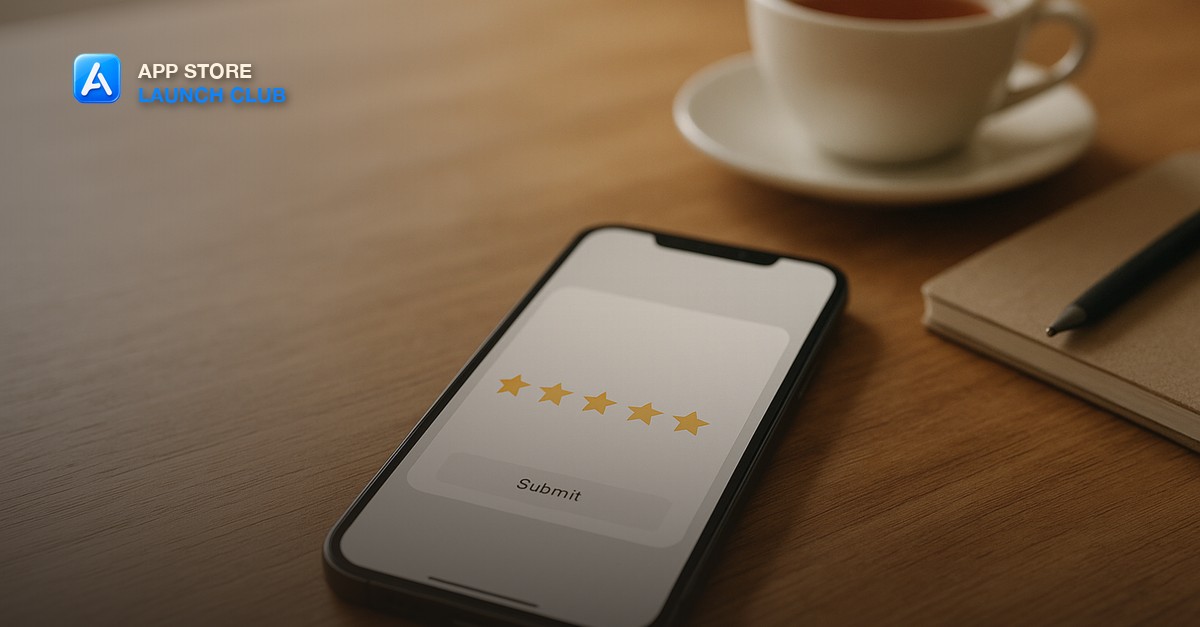
Apple's SKStoreReviewRequest API lets you prompt users to rate the app without leaving it. The prompt appears as a native modal and takes two taps. Implementing it correctly is the highest-leverage technical change you can make to your review acquisition rate.
The critical variable is timing. Apple limits how often the prompt can appear, so you have a small number of chances to show it. Show it too early - on first launch, before the user has experienced anything - and it gets dismissed. Show it at the success moment - immediately after the user completes a meaningful action for the first time - and conversion is dramatically higher.
- For a productivity or habit app: trigger after the user completes their first task or streak milestone.
- For a fitness app: trigger after the user finishes their first workout.
- For a utility app: trigger after the user successfully uses the core feature for the third time.
- For a game: trigger after the user completes the first level or achieves their first reward.
Step Three: Following Up With Active Users
Users who engage with your app repeatedly are your best review candidates - they have a real opinion and a reason to share it. If you have any form of user identification (account system, email signup, push notification consent), you can reach active users directly.
A push notification sent to users who have opened the app more than five times in their first two weeks, timed to arrive when they are likely to be in the app (morning for productivity apps, evening for entertainment), converts at a higher rate than any other review channel. Keep the message short: 'You have been using [app name] for a couple of weeks - if you have a minute, an App Store review would help us a lot.'
What to Do When Reviews Start Coming In
Responding to your first reviews - especially the critical ones - signals to both Apple and future reviewers that a real team is behind the app. It also sometimes turns a 2-star review into a 4-star review when a user sees that you actually fixed the issue they mentioned.
Do not wait until you have 50 reviews to engage with them. The first ten reviews are the ones that shape your public reputation for the first wave of organic users. Read each one, respond to the critical ones within 48 hours, and feed the specific feedback directly back into your next build session with Claude Code.
Short, practical drops on app ideas, validating fast, store listings, and passing app review. No spam, unsubscribe anytime.
Frequently asked questions
Can I ask friends and family to leave reviews?
Apple's guidelines prohibit incentivized reviews and reviews from people with a direct relationship to the developer that would bias their feedback. Asking friends who are genuinely in your target user group and will use the app honestly is a grey area. Asking people to leave a review without using the app, or offering rewards for reviews, violates the guidelines and can result in review removal.
How many reviews do I need before organic installs start converting?
In most categories, ten reviews with a rating above 4.0 is the threshold where a listing stops looking abandoned. Twenty-five reviews is where organic conversion starts to approach baseline. Your App Store Optimization work on keywords and screenshots matters most once you have crossed that initial social proof threshold.
What rating does my app need to rank well?
Apple and Google both factor rating into their ranking signals. In competitive categories, apps with ratings below 4.2 consistently rank lower than comparable apps above 4.5, all else being equal. Prioritize fixing issues that drive 1-star and 2-star reviews before scaling user acquisition.
Where can I learn more about growing an App Store app?
The App Store Launch Club covers the full growth playbook: reviews, ASO, launch strategy, and monetization. Join at appstorelaunchclub.com for $9/month.
Last reviewed by David on August 4, 2026
