
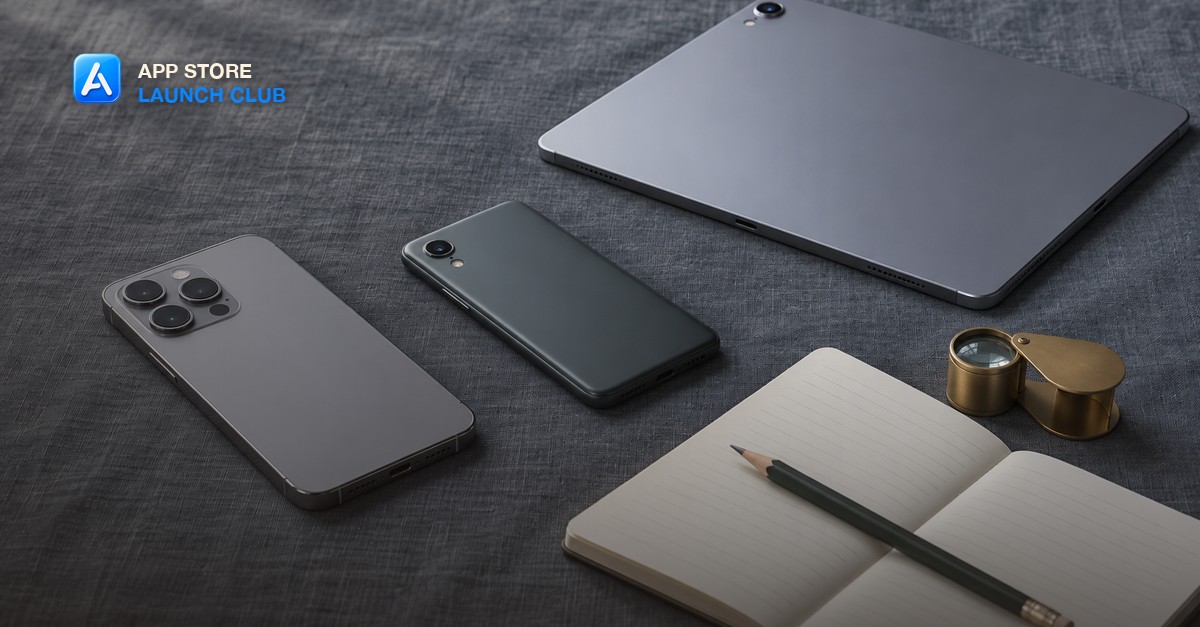
How to get device info in your Expo app, in short
Run npx expo install expo-device. Then import * as Device from 'expo-device' and read what you need: Device.manufacturer and Device.modelName for the phone, Device.osName and Device.osVersion for the operating system, Device.deviceType for phone versus tablet, and Device.isDevice to know whether you are on real hardware or a simulator. These are constants, so you can read them anywhere without a hook or a promise.
expo-device at a glance (SDK 58)
| Question | Answer |
|---|---|
| Install | npx expo install expo-device (58.0.x on SDK 58) |
| Works in Expo Go? | Yes, it is included |
| Permissions needed? | None for the constants |
| Phone model | Device.modelName, for example "iPhone XS Max" or "Pixel 2" |
| OS and version | Device.osName and Device.osVersion |
| Phone, tablet, TV or desktop | Device.deviceType (a DeviceType enum value) |
| Real device or simulator | Device.isDevice |
| RAM | Device.totalMemory, in bytes |
What each value actually returns
The names look self-explanatory, but the details differ by platform, and that is where AI-written code usually goes wrong. This is the set worth knowing.
The expo-device constants you will actually use
| Constant | Platforms | What to know |
|---|---|---|
| modelName | Android, iOS, tvOS, web | Human-friendly model name. Can be null if it cannot be determined. On web it may only say "iPhone" |
| modelId | iOS only | Internal ID such as "iPhone7,2". Good for code, not for showing people. Null on Android and web |
| manufacturer / brand | manufacturer everywhere, brand Android and iOS | Apple reports "Apple". On Android these are separate fields and can differ |
| osName | Android, iOS, tvOS, web | "iOS" or "iPadOS" on Apple devices. On some Android phones it is a long build fingerprint instead of "Android" |
| osVersion | Android, iOS, tvOS, web | A string like "12.3.1", and not always three numbers. Do not parse it as semver |
| platformApiLevel | Android only | The Android SDK level as a number. The reliable way to branch on Android version |
| deviceType | Android, iOS, tvOS, web | UNKNOWN, PHONE, TABLET, DESKTOP or TV |
| isDevice | Android, iOS, tvOS, web | false in a simulator or emulator. Always true on web |
| totalMemory | Android, iOS, tvOS | Total RAM in bytes. Null on web |
| deviceYearClass | Android, iOS, tvOS | The device year class as a number. Null on web |
Step 1: Install expo-device
Run npx expo install expo-device so the version matches your SDK. It needs no config plugin and no permission for the constants, and because it is included in Expo Go you can try it on your phone straight away.
On iOS, the package ships its own privacy manifest that declares its use of the system boot time API. You do not need to add that declaration yourself. If App Store Connect still flags required reason APIs after a build, our guide to fixing the privacy manifest error in your Expo app walks through the usual causes.
Step 2: Put device info in every support request
The most useful thing you can do with expo-device costs ten minutes. Build one string such as "iPhone 15 Pro, iOS 18.1" from Device.modelName, Device.osName and Device.osVersion, and append it to your support email body together with the app version and build number from expo-application. When a bug report arrives, you know the hardware, the OS and the exact binary before you reply.
- Fall back on every value. Write Device.modelName ?? 'Unknown device' rather than letting the word null reach a user.
- Prefer modelName for people and modelId for code. If you need to treat one iPhone model differently, compare modelId, which is the programmatic identifier, rather than the display name.
Step 3: Adapt layout for tablets
Device.deviceType tells you whether the app is running on a phone, tablet, desktop or TV, and it is available synchronously. On Android, for devices other than TVs, it is worked out from the screen diagonal: between 3 and 6.9 inches counts as PHONE, between 7 and 18 inches counts as TABLET, and anything else is UNKNOWN. So treat it as a good hint, not a guarantee.
Use deviceType for coarse decisions, like whether to offer a two-column layout at all. For the actual layout, use the window size from useWindowDimensions, because the window size is what your layout actually has to fit. If you only support phones, deviceType is also a cheap way to log how many tablet users you are quietly serving badly.
Step 4: Know what to leave alone
A few parts of expo-device look useful and cause trouble. These are the ones to think twice about.
The risky corners of expo-device
| API | The catch |
|---|---|
| Device.deviceName | On iOS 16 and later it returns a generic name such as "iPhone" unless your app has Apple's user-assigned device name entitlement |
| isRootedExperimentalAsync() | Marked experimental and not completely reliable. Root and jailbreak detection can be bypassed, and some devices that are not rooted can look rooted. Can throw ERR_DEVICE_ROOT_DETECTION |
| isSideLoadingEnabledAsync() | Android only, and requires the REQUEST_INSTALL_PACKAGES permission, which most apps have no reason to request |
| getUptimeAsync() | Milliseconds since the last reboot. On Android, time in deep sleep is not counted |
Apple only grants the device name entitlement when the name is shown in your UI and powers a multi-device feature most of your users rely on, such as picking between their own synced devices. Your app must not use the name for tracking or fingerprinting, and must not share it with third parties other than cloud hosting for storage or syncing. If you just want a friendly label, let the user type one.
Have Claude Code build it for you
Open your project in the Claude Code desktop app and describe the result. Left alone, AI-written code here tends to branch on Device.osName instead of Platform.OS, parse osVersion as semver, print null on web, and reach for deviceName or root detection where they do not belong. A prompt that heads those off:
Then add a line to your CLAUDE.md such as "Device info: always deviceInfo.ts, branch on Platform.OS, no deviceName or root checks" so later sessions keep following it.
The short version
To get device info in your Expo app: install expo-device, read modelName, osName, osVersion, deviceType and isDevice, and write a fallback for every null. Put the device and OS in every support request, use deviceType as a hint for tablet layouts, branch on Platform.OS rather than osName, and leave deviceName and root detection alone unless you have a real reason and Apple's approval.
If you are building your first iOS app with Claude Code and Expo and want a second set of eyes before App Review, bring it to App Store Launch Club. Members share their builds and help each other get unstuck, and the curriculum covers the full path from first build to first users. Pair this with our guides to getting the app version in your Expo app and debugging your Expo app on a real device. Join at applaunchclub.co for $9 a month.
Short, practical drops on app ideas, validating fast, store listings, and passing app review. No spam, unsubscribe anytime.
Frequently asked questions
How do I get device info in an Expo app?
Install expo-device with npx expo install expo-device, import * as Device from 'expo-device' and read constants such as Device.modelName, Device.osName, Device.osVersion, Device.deviceType and Device.isDevice. They are synchronous and need no permissions.
Does expo-device work in Expo Go?
Yes. expo-device is included in Expo Go, so you can read device info without a development build.
How do I check if my Expo app is running in a simulator?
Read Device.isDevice. It is false in an iOS simulator or Android emulator and true on a real device. On web it is always true.
Why does Device.deviceName just say iPhone?
On iOS 16 and later, the device name is a generic value such as "iPhone" unless your app has Apple's user-assigned device name entitlement. Apple only grants it for user-visible, multi-device features, and never for tracking or fingerprinting.
How do I tell a phone from a tablet in Expo?
Read Device.deviceType and compare it with DeviceType.PHONE or DeviceType.TABLET. On Android, non-TV devices are classified by screen diagonal, so it may not be completely accurate. For layout, also check the window size with useWindowDimensions.
Can I use expo-device to detect a jailbroken or rooted phone?
There is isRootedExperimentalAsync, but it is experimental and not completely reliable: detection can be bypassed and some devices can be misreported. Do not block users or unlock features on it alone.
Last reviewed by David on November 17, 2026